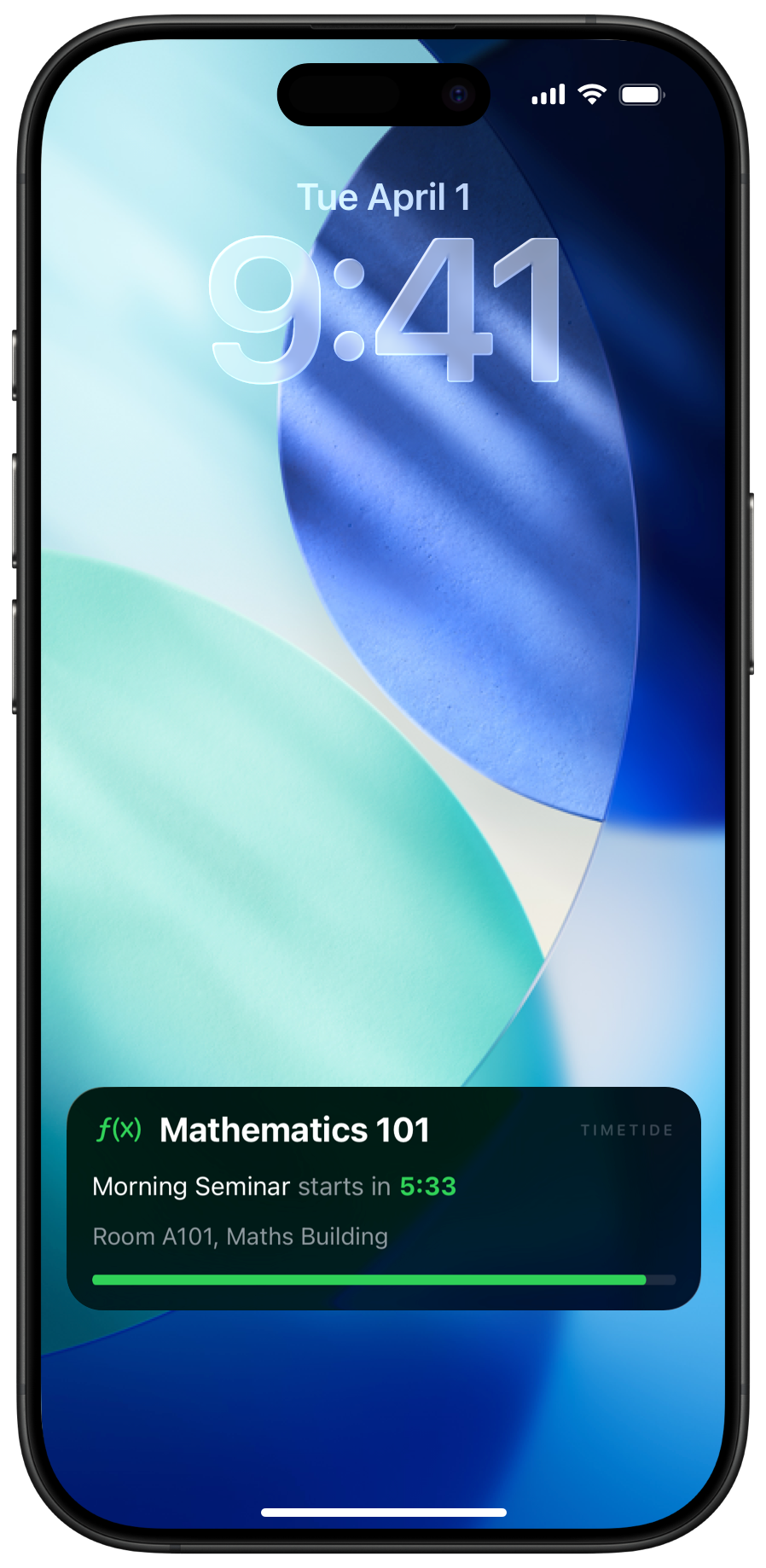
Timetide puts your timetable on your iPhone lock screen — no unlock, no app, just a glance.
One email when it's live. No spam, ever.
Malá Strana Campus · T9:105
The problem
You're deep in an assignment. Completely focused. Time disappears — and you're already late for class.
Lock Screen
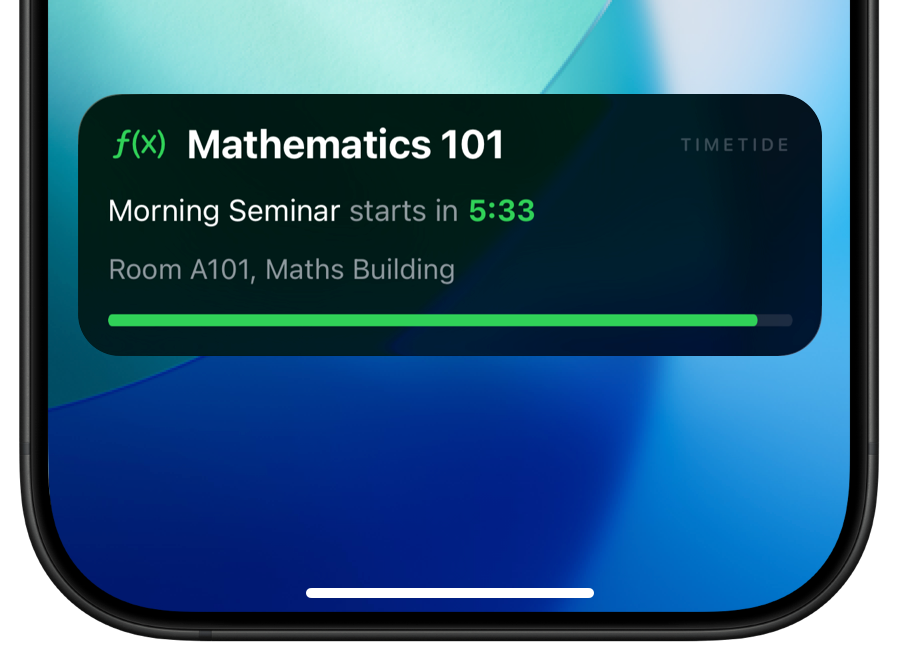
A live countdown, your class name, and the room number appear on your lock screen automatically — before class even starts.
Dynamic Island
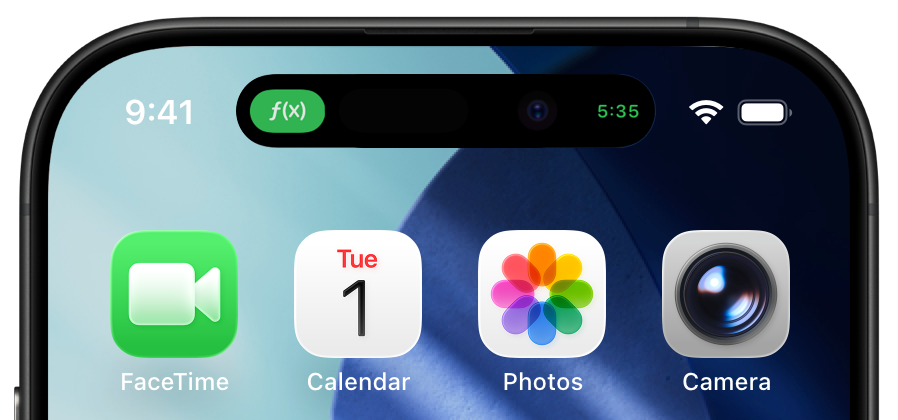
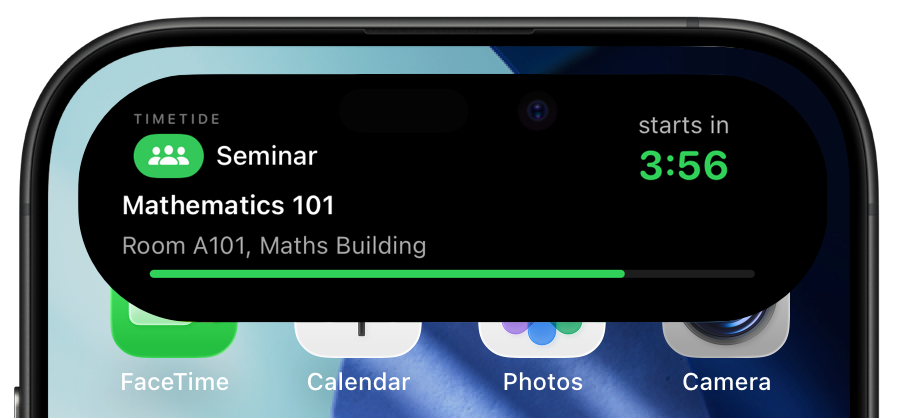
On iPhone 14 Pro and newer, the countdown lives in the Dynamic Island. No matter what you're doing, the time is right there.
Smart Alerts
Get a notification 5, 10, or 15 minutes before class. No spam, no noise — just the one reminder you actually need.
You're late. Again.
Malá Strana · T9:105
Tap to expand full details.
Gentle. Timely. Never annoying.
Why this exists
I had reminders set. I still missed class. A quick buzz, one tap, gone. Then I came across Flighty and realised how good it could feel to have something just always there, beautiful and hard to ignore. That's what I wanted for my schedule.
01
Calendar apps are great for scheduling. They're terrible at actually getting you somewhere on time. You have to remember to check — and when you're in flow, you don't remember anything.
02
Students set multiple overlapping alarms as a patch. It's noisy, easy to dismiss, and tells you nothing useful — just that something is happening at some point.
03
No app simply tells you: your next class starts in 12 minutes and you need to leave now. That's what Timetide does. One glance. Always there. No unlock.
Your privacy
Most apps route your data through their servers. Timetide doesn't have any. Your timetable, your locations, your study patterns — none of it ever passes through us. It lives on your device and moves through your personal iCloud, which only you control. No account to create, no profile to build, nothing we could sell even if we wanted to. The only data we ever see is anonymised and opt-in — used to power Year in Review community stats, nothing more. Designed in Europe, GDPR-compliant from the first line of code. How your data works →
01
Download and use immediately. No sign-up, no password, no email. Your schedule is yours from the first launch.
02
Data syncs through your personal iCloud private database. Our servers never see your classes, times, or locations — it's physically impossible.
03
Developed in Europe with GDPR compliance from day one. Not a checkbox — the foundation. Full policy →
04
Personal stats stay on-device. No selling, no ads, no dark patterns. We can't monetise what we never see.
Available soon on the App Store
Your timetable, always one glance away. Built for students who have better things to do than check five apps.